 Best Seller
Magical Unicorn Princess
Pastel fantasy portrait template
A luminous princess world with rainbow skies, jeweled wardrobe, and a glowing unicorn companion.
Template-Driven Portraits
Choose from published portrait templates, upload one face photo, and generate a preview inside that exact scene direction before you order.
Best results come from one clear portrait photo with visible face, clean light, and minimal filters.
Uploaded Photo
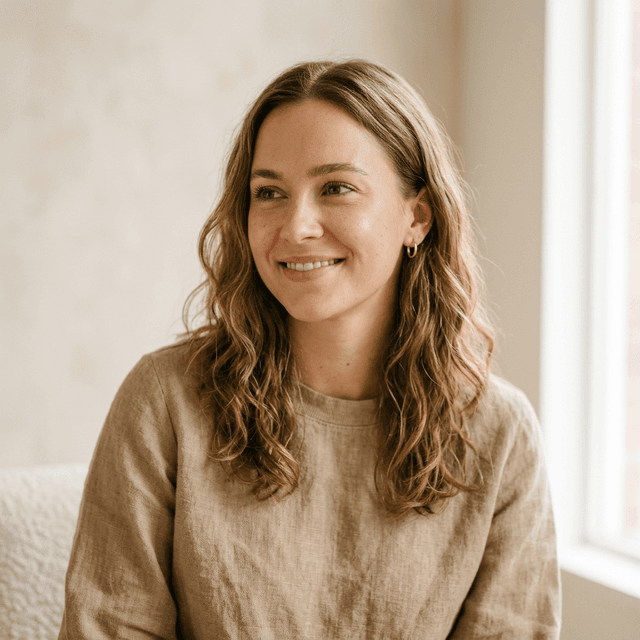
Template Preview
From one uploaded face photo to a curated portrait world in a few guided steps.
How It Works
The workflow is designed around published scene templates, so the result stays intentional from the moment you choose a world.
Step 1
Start with a clear face photo that the template can build around.
Step 2
Frame the face or upper body so the generated composition has a strong base.
Step 3
Select from published templates like princess, mermaid, hero, explorer, or celestial fantasy.
Step 4
Review the preview, try another template if needed, then choose the delivery format you want.
You can keep your crop, switch template groups, and compare multiple generated versions before purchase.
Featured Templates
These template cards define the scene, wardrobe direction, lighting mood, and atmosphere that your uploaded photo will inherit.
Best SellerPastel fantasy portrait template
A luminous princess world with rainbow skies, jeweled wardrobe, and a glowing unicorn companion.

Winter palace portrait template
Cool aurora light, crystalline styling, and a frozen palace built for a regal hero portrait.
 Popular
Adventure portrait template
A cinematic heroic scene with mountain skies, warm embers, and dragon-rider energy.
Collections
Instead of a flat list of effects, the generator organizes published templates into portrait collections that are easier to explore.
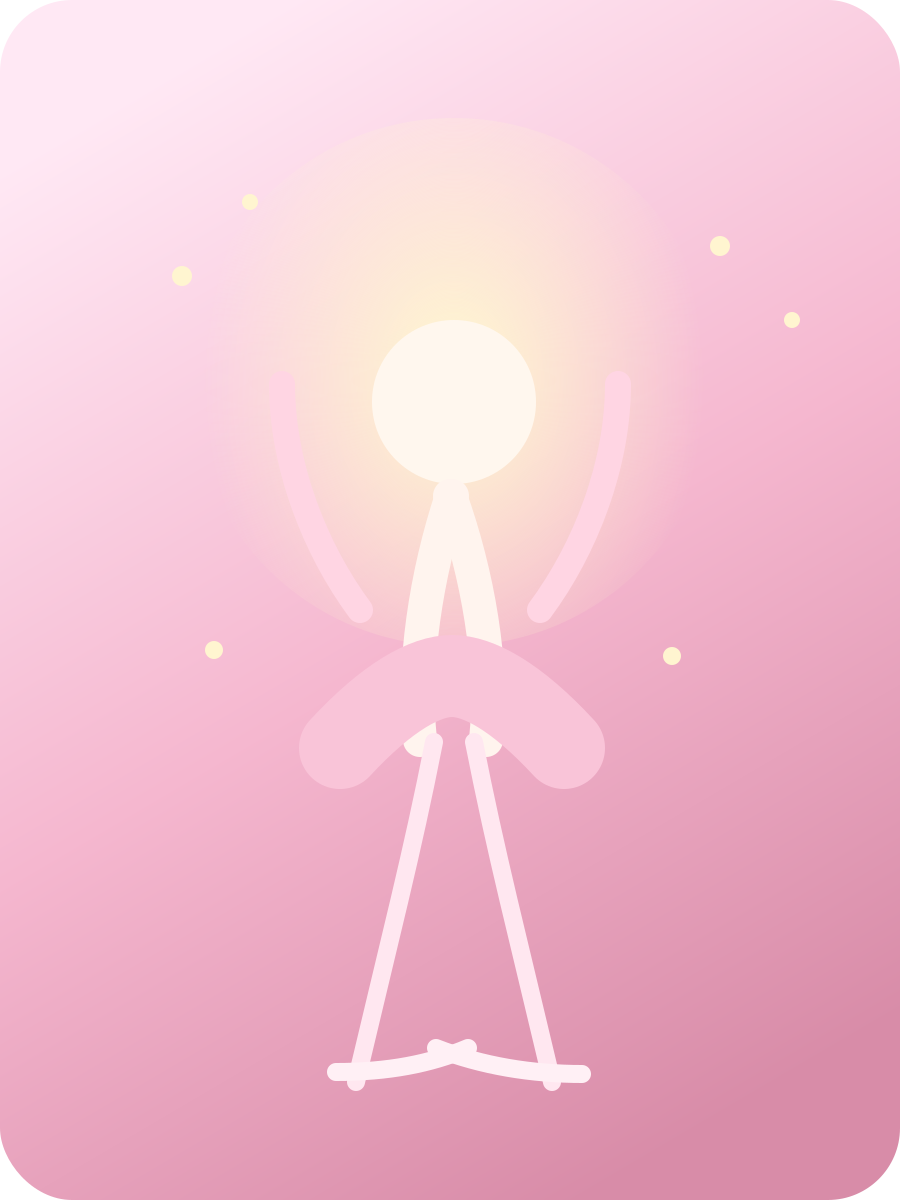
Princess, ballerina, mermaid, and pastel fantasy templates designed around polished storybook worlds.

Explorer and hero-led portraits with bold scenes, cinematic light, and adventure styling.

Magic-first scenes with celestial glow, enchanted gardens, and elevated fantasy worldbuilding.
Why It Works
The generator is structured around real template products, so the user understands what they are choosing before generation starts.
Every option is based on a published visual template, not a vague text-only effect label.
Upload a single portrait photo, crop it once, and apply it to any ready-made world.
Wardrobe, lighting, palette, and scene composition are guided by the selected template.
Generate the exact template preview first, then continue with the version you want.
Choose digital, print, or canvas based on the selected portrait output product.
Browse grouped worlds like princess, fantasy, and adventure instead of starting from scratch.
Create Your Portrait
See your pet transformed into a magical portrait before you commit.
Live Preview
Upload and crop one portrait photo to begin previewing the selected template.
Upload
Clear, front-facing photos with good light usually create the most convincing portrait previews.
Photo Tips
Summary
Total Price
Unavailable
Generate a portrait and choose your format to unlock checkout.
What You Get
The workspace lets you choose the world first, then generate a preview that matches that template direction before purchase.
What Customers Notice
Instead of guessing what an abstract effect label means, users can see the world first and then upload into it.
“The template made the result feel much more intentional. It looked like a full scene, not a random AI variation.”
Amanda K.
“I could immediately understand the world I was choosing. That made the preview flow much easier.”
Brian T.
“The princess template looked exactly like the direction card, just personalized to our photo.”
Cynthia L.
FAQ
These are the main things users usually want to understand before choosing a portrait template.
The template-driven workflow makes it clear what scene you are buying into before you ever add the portrait to cart.
Curated templates. Clear inputs. Purchase after preview.